
Getting started with Savvy
Add Savvy, choose a preset and set up the essentials.
Last updated: November 17, 2026
Add Savvy to your store
- From your Shopify admin, go to Online Store → Themes.
- Open the Shopify Theme Store and find Savvy.
- Choose the preset you want, then select Try theme or buy it.
- Savvy is added to your theme library. It is not published yet.
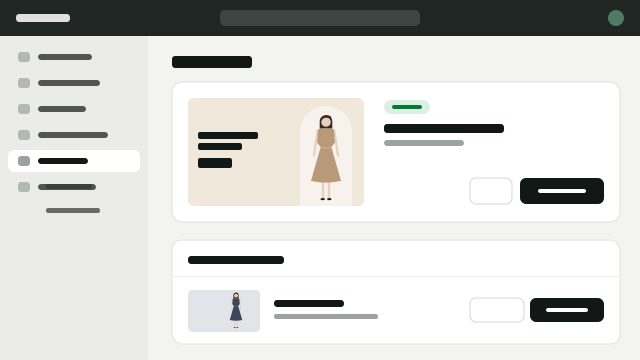
Choose a preset
Five presets: Savvy, Sunny, Sarto, Swagger and Sealaska. Each sets its own colors, fonts and home layout. You can change everything later.
Set up the basics
In the theme editor, open Theme settings and work through these groups first:
- Logo and favicon
- Colors for backgrounds, text and buttons
- Typography for headings and body text
- Navigation: assign your main menu and footer menu
Before you publish
- Preview your store on desktop and mobile.
- Check your product, collection and cart pages.
- Replace all demo text and images with your own.
Still need help? Our support team is here to help.
Contact support